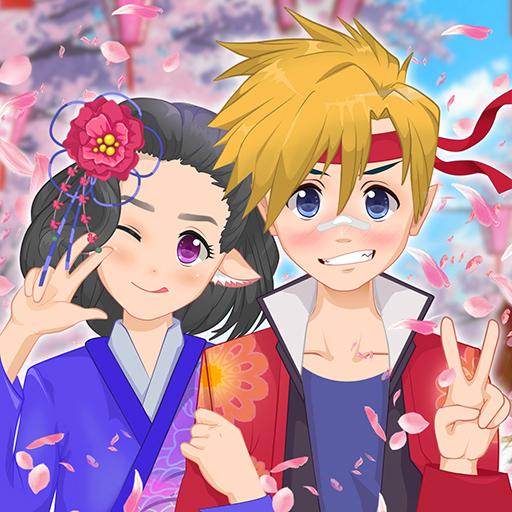
Blonde Chibi Fashion Show
Two chibi characters preparing for a fashion show, with clothing, shoes and hair all recolourable.


Unify Media Inc. gave this one the recolour mechanic — clothing, shoes and hair can all have their colour changed directly — which on chibi proportions is more useful than it would be elsewhere.
Chibi figures are mostly head, and the body reads as simple blocks of colour. That means garment shape barely registers and palette carries almost the entire look, so being able to set colours rather than hunt for them is exactly the right tool for these proportions.
Two characters are preparing for the same show, which gives the palette work a purpose: two figures on one runway either coordinate or clash, and with full recolour control there is no excuse for the second outcome.
More dress up games
- Princess Sweet Kawaii Fashion — filed under Anime & Kawaii Dress Up Games
- RedHaired Fairy Fantasy vs Reality — filed under Fairy Tale Dress Up Games
- Royal Wedding — filed under Fashion & Style Dress Up Games
- Sid & Ginny Y2K Glam Clash — filed under Hair Salon & Hairstyle Games
Controls
Select a character, choose garments, then tap items to change their colour.
How to Play
- Choose garments for both characters without worrying about colour.
- Set the first character's palette.
- Recolour the second to coordinate with the first.
- Adjust hair colour last — it is the largest single block.
Tips & Tricks
Set the hair colour last and treat it as a garment. At chibi proportions the head is the biggest area on screen, so hair does more for the palette than anything below the neck.
Frequently Asked Questions
Can I change the colours of items?
Yes — clothing, shoes and hair are all recolourable rather than fixed.
How many characters are in the show?
Two, and they appear together, so their palettes have to work side by side.